How to Get Support on the Mobile App
Using the Timart app is simple and smooth, but whenever you need help, support is always within reach. The app comes with in-app tips to guide you, plus multiple ways to contact us directly.
Steps to Get Support
Step 1: Go to Homepage.
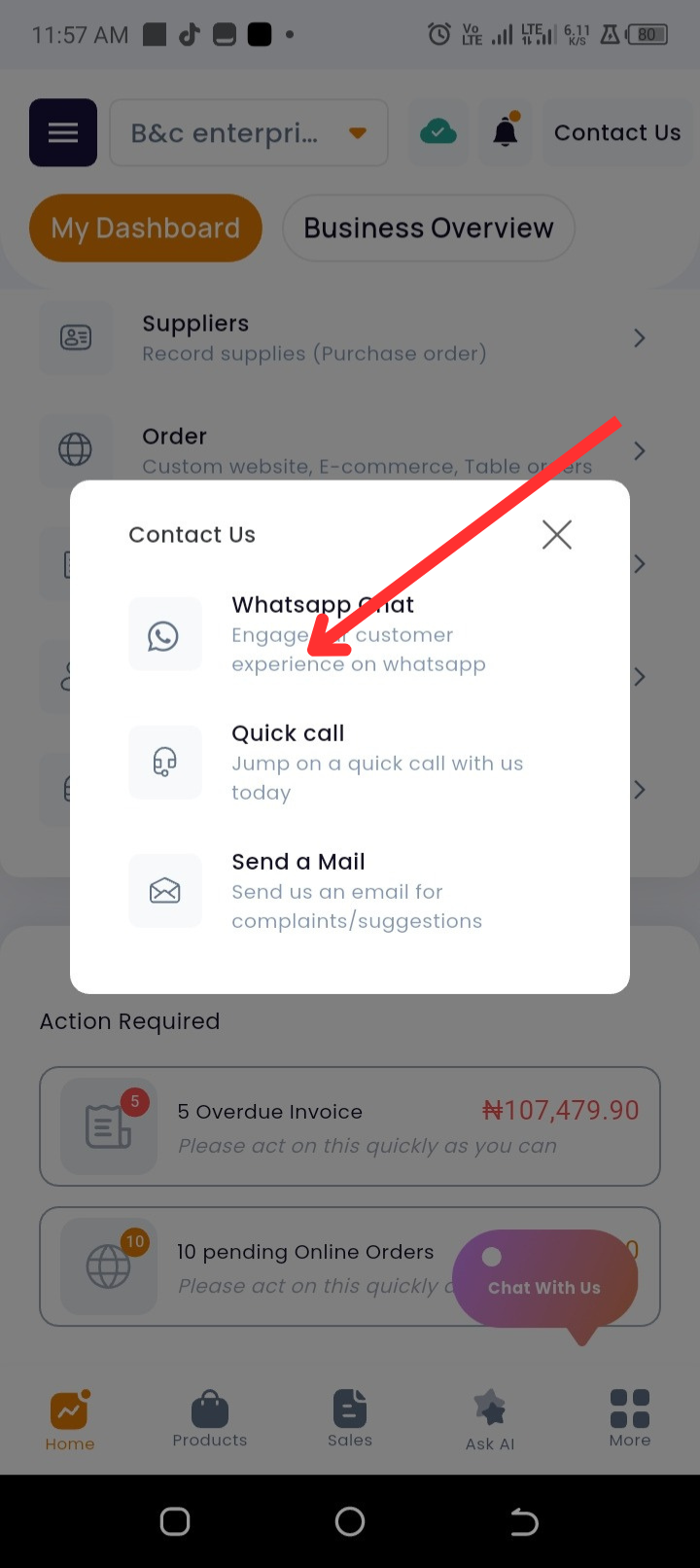
Step 2: At the top of the page, tap Contact Us to reach us via WhatsApp, Call, or Email.
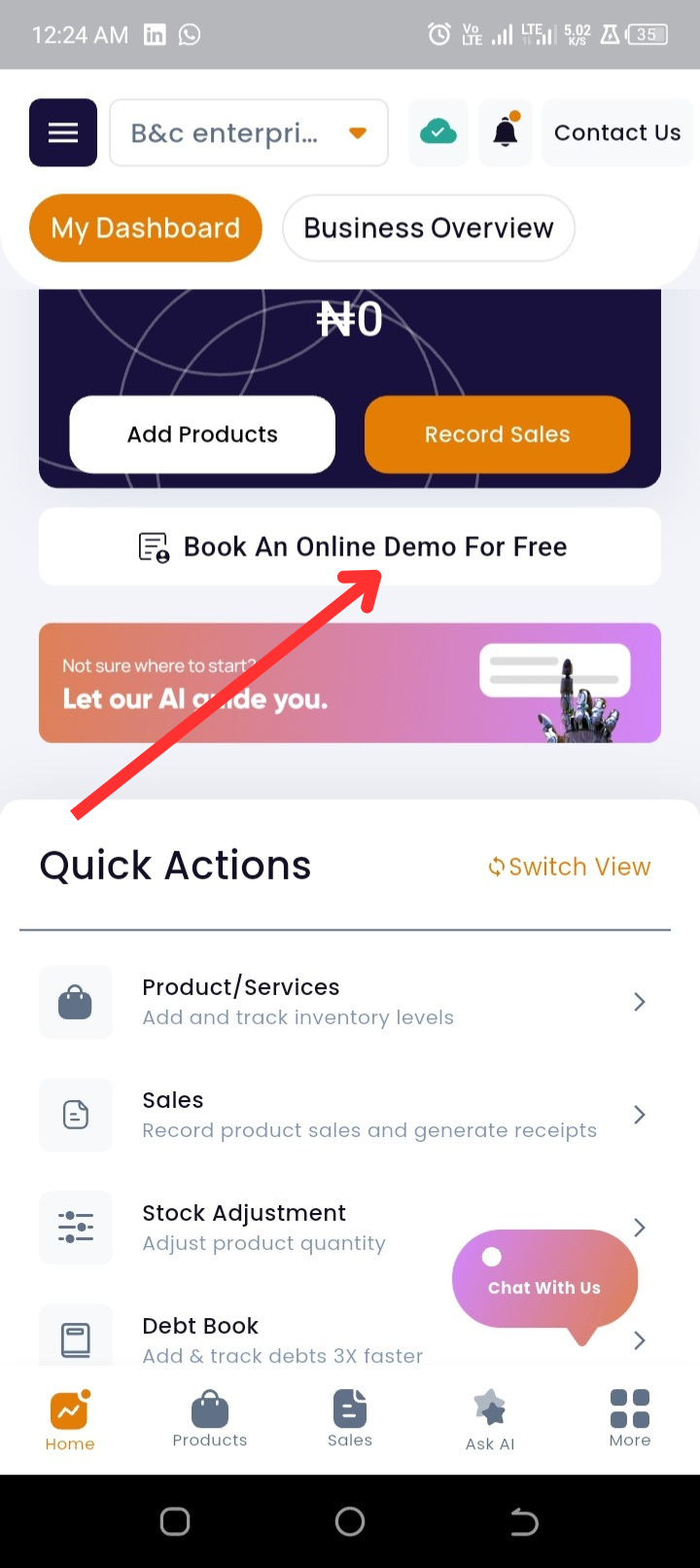
Step 3: New to the app? Tap Book an online demo for free to schedule a free session.
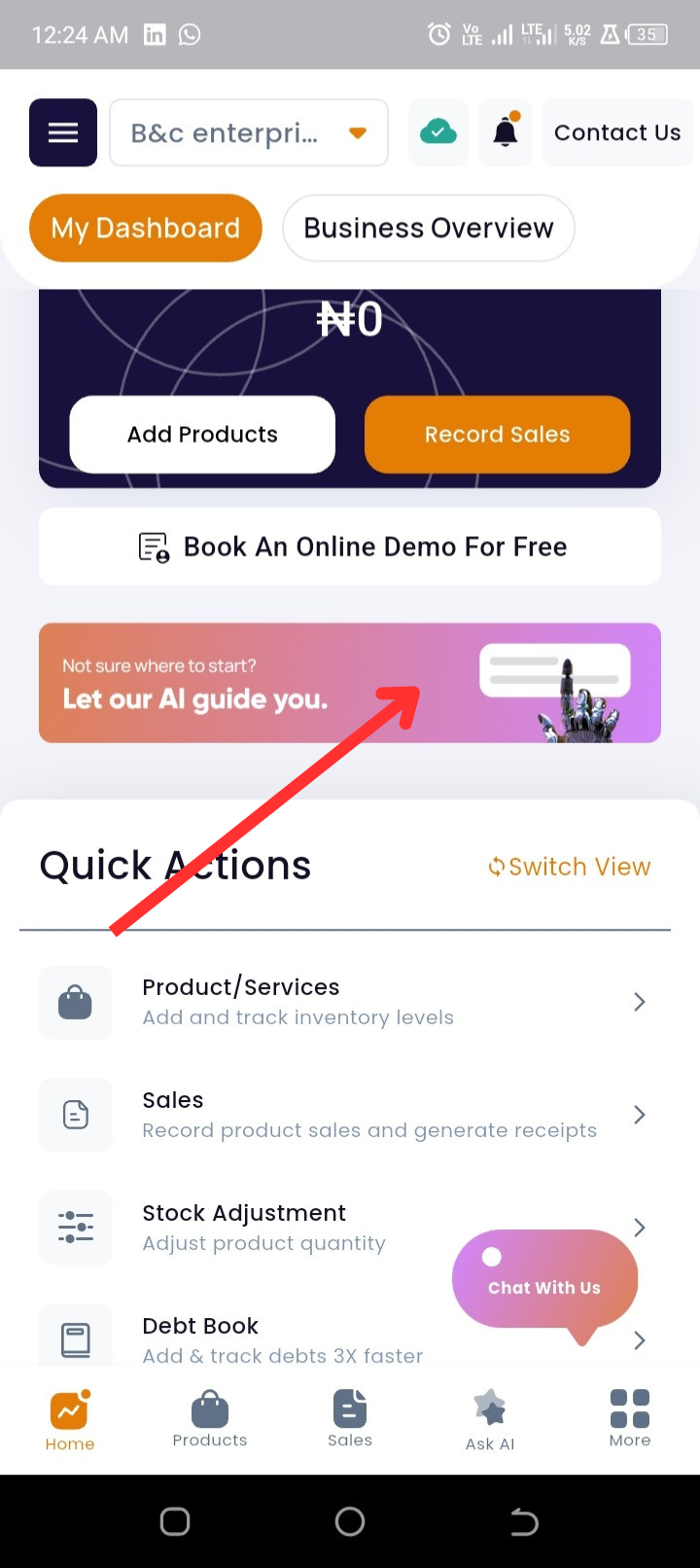
Step 4: Need instant guidance? Tap “Let our AI guide you” for AI-powered assistance.
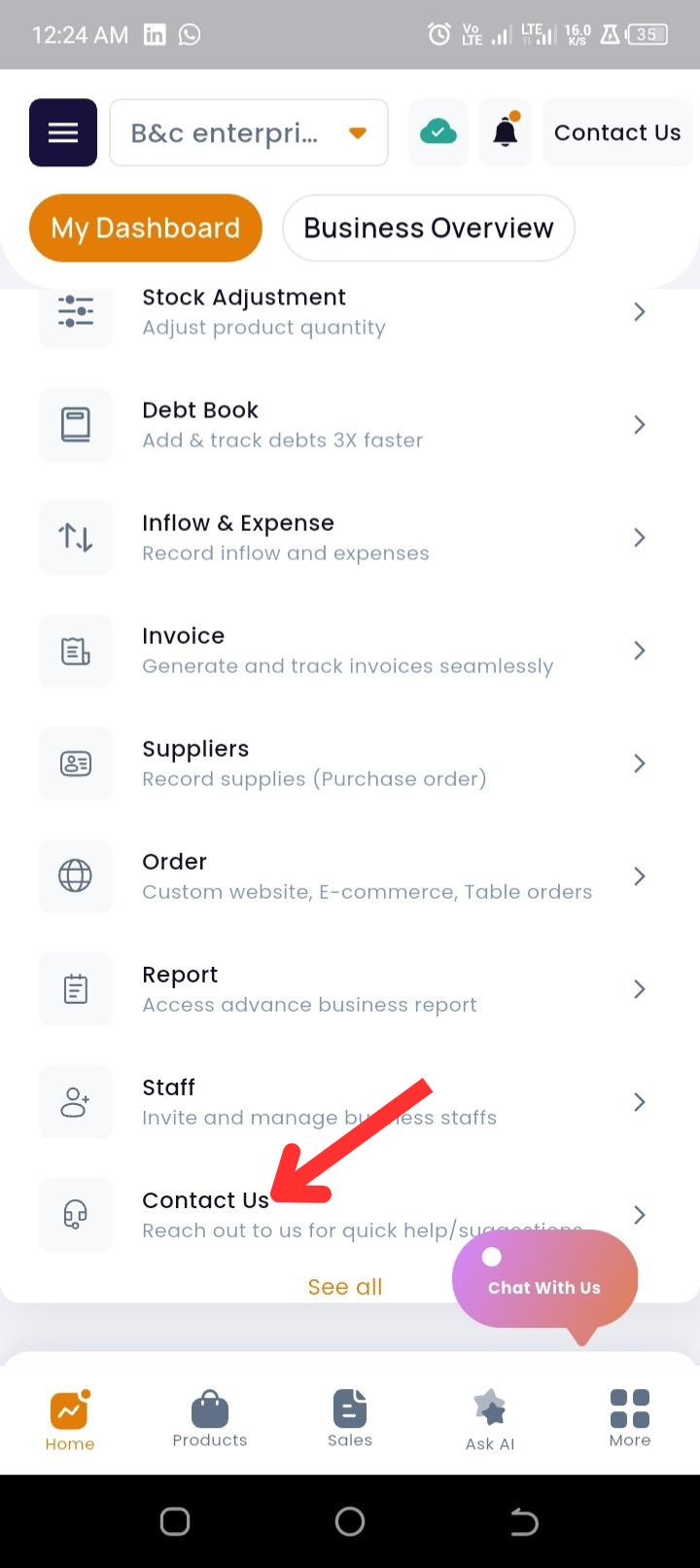
Step 5: Scroll down the Quick Actions and tap Contact Us again for the same options.
Step 6: You can also tap the Chat with us bubble to start a conversation with our support team.
No matter where you are in the Timart app, help is just a tap away. Whether through live chat, WhatsApp, or our AI assistant, you’ll always have the support you need.